Home > Products > LED Display > Indoor LED Display > P4.81 LED Video Display Screen for Indoor Events
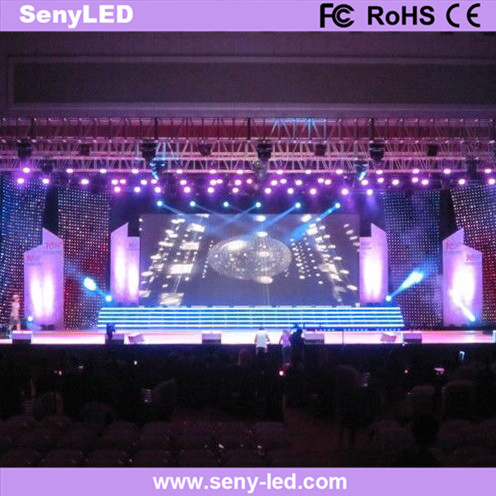
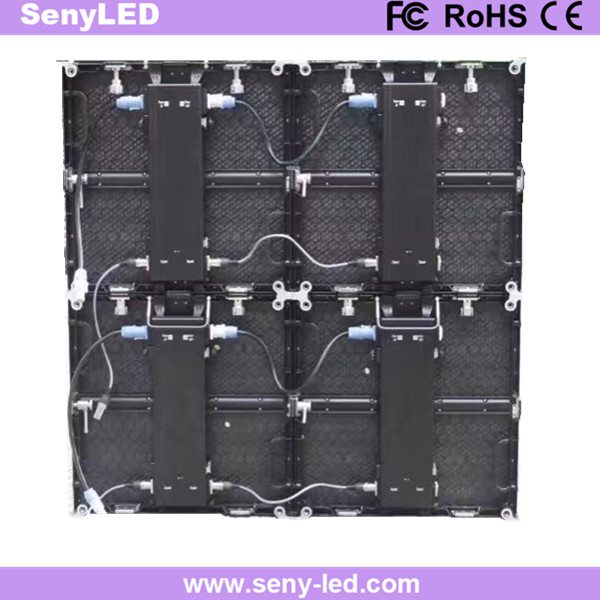
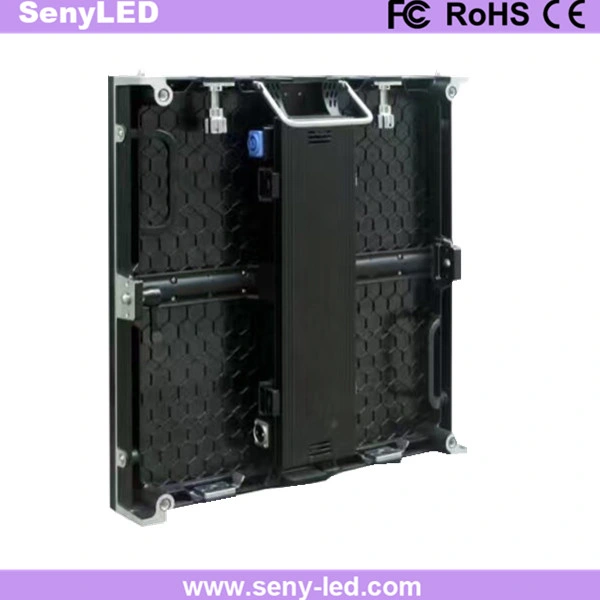
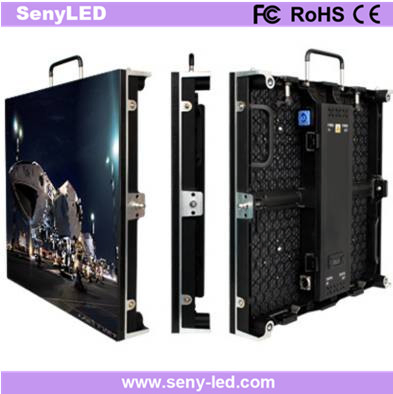
P4.81 LED Video Display Screen for Indoor Events
P4.81 LED Video Display Screen For Indoor EventsDescription:1. CE, FCC, ROHS certificated 2. High quality, High definition, High refresh 3. Superior uniformity, Good display effect4. 2 years warranty, best after-sales service5. Video, flash, animation, graphic, text available;6 .Installation struct......
Send Inquiry
Product Description
P4.81 LED Video Display Screen For Indoor Events
Description:
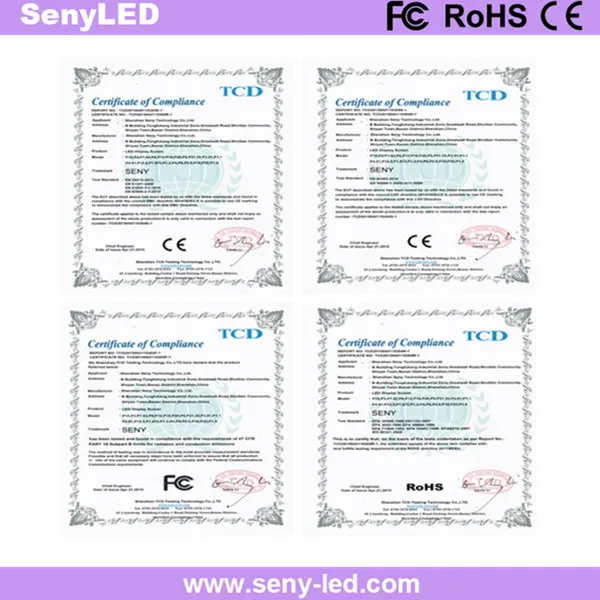
1. CE, FCC, ROHS certificated
2. High quality, High definition, High refresh
3. Superior uniformity, Good display effect
4. 2 years warranty, best after-sales service
5. Video, flash, animation, graphic, text available;
6 .Installation structure drawing offered FOC;
7. Factory visiting and inspecting is welcome;
8. OEM service offered;
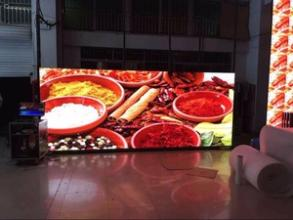
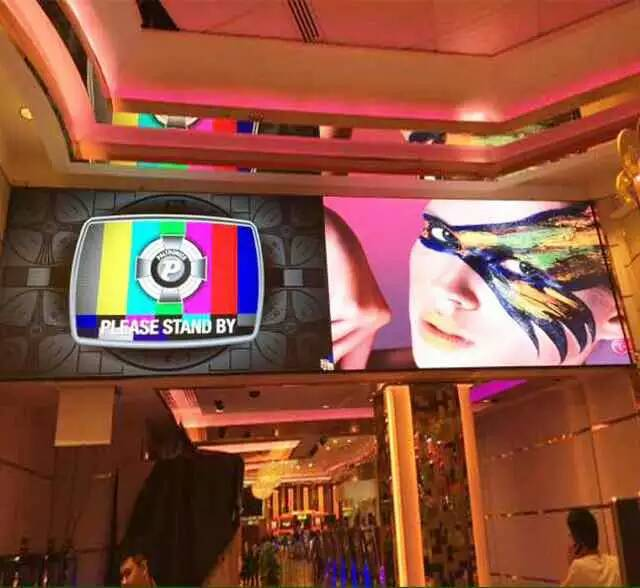
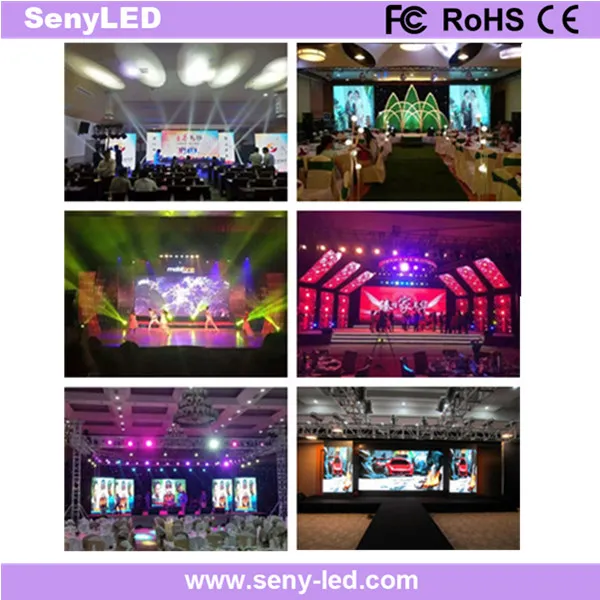
Project cases:
Certification:
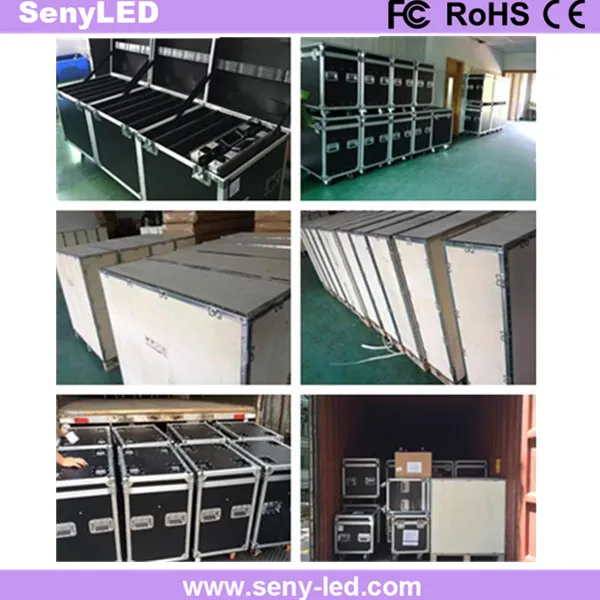
Packaging and Delivery:
After sales maintenance:
1.Receive the cargo
Make sure the cargo in sealing condition and the cargo storage temperature
between - 20ºC and 60ºC when you receive the goods.
2. Install and use the product
Please adopt preheating model to light it up and keep 30% brightness for 0.5-2 hours when using . Keep it work 8 hours or above continually per day will be
better. It will be better to use it at least once a week.
3. Cleaning
Ensure to use soft brush to clean the display surface and PROHIBIT any liquid
when doing cleaning.
Description:
1. CE, FCC, ROHS certificated
2. High quality, High definition, High refresh
3. Superior uniformity, Good display effect
4. 2 years warranty, best after-sales service
5. Video, flash, animation, graphic, text available;
6 .Installation structure drawing offered FOC;
7. Factory visiting and inspecting is welcome;
8. OEM service offered;
| P4.81 LED Video Display Screen For Indoor Events | ||||||||
| S/N | Item | Technical Parameters | ||||||
| LED Parameters | ||||||||
| 1 | Item Name | LED Type | Brightness | Wave Length | H/V Visual Angle | |||
| 2 | Red LED | SMD2121 | 120-140mcd | 620-625nm | 140º/65º | |||
| 3 | Green LED | SMD2121 | 360-435mcd | 520-525nm | 140º/65º | |||
| 4 | Blue LED | SMD2121 | 80-100mcd | 470-475nm | 140º/65º | |||
| Module Specification | ||||||||
| 1 | Pixel Pitch | 4.81mm | ||||||
| 2 | Pixel Configuration | 1R1G1B | ||||||
| 3 | Module Resolution | 52 x 52 pixels | ||||||
| 4 | Module Pixles | 2704 pixels | ||||||
| 5 | Module Size | 250mm X 250mm | ||||||
| Cabinet Specification | ||||||||
| 1 | Cabinet Size(W X H X D) | 500mm x 500mm x 85mm | ||||||
| 2 | Cabinet Resolution(dot) | 104 x 104 pixels | ||||||
| 3 | Module Quanity (pcs) | 4pcs | ||||||
| 4 | Cabinet Pixels | 10816 pixels | ||||||
| 5 | Pixel Density | 43222 pixels/m2 | ||||||
| 6 | Cabinet Materials | Die Casting Aluminum Cabinet for rental purpose | ||||||
| 7 | Cabinet Weight | 6.247kg per cabinet | ||||||
| 8 | Packaging | Fly case | ||||||
| 9 | Fly Case Size | 62*56*74CM ( one case for five cabinets )/ G.W.: 56.3kg | ||||||
| Whole Screen Specification | ||||||||
| 1 | Screen Brightness | ≥1000cd/m2 | ||||||
| 2 | Driving Method | 1/16 scan | ||||||
| 3 | Best Viewing Distance | 4.81m - 40m | ||||||
| 4 | Max. Power Consumption | 810W/m2 | ||||||
| 5 | Average Power Consumption | 365W/m2 | ||||||
| 6 | Gray Level | 8bits input, 4096 levels(212) | ||||||
| 7 | Display Color | 16M | ||||||
| 8 | Frame Frequency | ≥60Hz | ||||||
| 9 | Refresh Frequency | ≥1200Hz | ||||||
| 10 | Uninterrupted Working Hours | ≥72 hours | ||||||
| 11 | Screen Life-span | ≥100,000 hours | ||||||
| 12 | MTBF | ≥5,000 hours | ||||||
| 13 | Discrete Blind Spot Rate | <1/10000 | ||||||
| 14 | Continuous Blind Spot Rate | None | ||||||
| 15 | Blind Spot Rate | <1/10000 | ||||||
| 16 | Protective Scale | For indoor use only | ||||||
| 17 | Screen Plainness | <±1mm | ||||||
| 18 | Power Supply Mode | AC220±10% 50Hz/AC110±10% 60Hz | ||||||
| 19 | Environment Temperature & Humidity | Temperature:-20 Celsius~+60 Celsius | ||||||
| Humidity:10%~90% RH | ||||||||
| 20 | Control Mode | Synchronous display with control PC by DVI | ||||||
| 21 | Control System | DVI video card + full color control card + fiber system( optional) | ||||||
| 22 | Display Content | Video, DVD, VCD, TV, picture, cartoon, graphics, texts.etc. | ||||||
| 23 | Interface | Standard Ethernet | ||||||
| 24 | Transmission Distance | Multi mode fiber <500m, single mode fiber <30km,internet cable <100m | ||||||
| 25 | Certification | CE-EMC, CE-LVD, FCC, RoHS | ||||||
Certification:
Packaging and Delivery:
After sales maintenance:
1.Receive the cargo
Make sure the cargo in sealing condition and the cargo storage temperature
between - 20ºC and 60ºC when you receive the goods.
2. Install and use the product
Please adopt preheating model to light it up and keep 30% brightness for 0.5-2 hours when using . Keep it work 8 hours or above continually per day will be
better. It will be better to use it at least once a week.
3. Cleaning
Ensure to use soft brush to clean the display surface and PROHIBIT any liquid
when doing cleaning.
Related Category
Send Inquiry
Please Feel free to give your inquiry in the form below. We will reply you in 24 hours.